Seamless Modeling
BIM-Ready Product Models That Bring Designs to Life
ASC Technology Solutions provides professional Revit Family Creation Services and Revit Content Creation Services that help manufacturers, architects, and engineering teams integrate accurate BIM-ready components into their project workflows. Our experts develop intelligent Revit families that support efficient product specification, design coordination, and BIM-based project collaboration. We work closely with manufacturers, architects, and engineering firms to create BIM-ready components that are not just visually accurate, but also structured for specification, coordination, and large-scale project use.
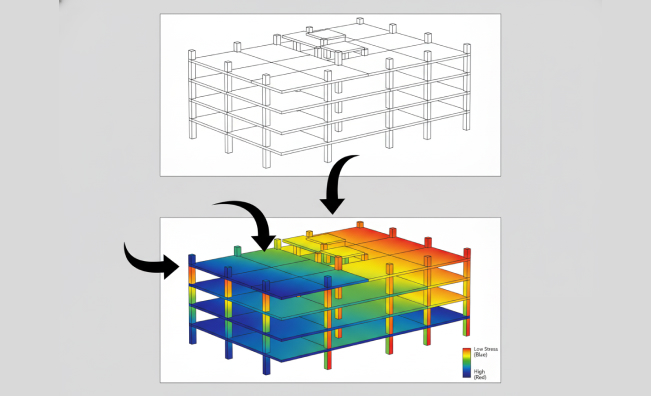
Our Revit families are built with controlled geometry, parametric flexibility, and structured metadata to ensure optimal performance inside live BIM projects. Instead of overloading models with unnecessary detail, we balance visual accuracy with file efficiency to prevent slowdowns in large-scale models.
From lighting fixtures and HVAC systems to doors, windows, and furniture, we create manufacturer-ready BIM content that helps teams reduce RFIs, avoid rework, and make faster design decisions during coordination and documentation stages.
Impactful design
Revit Content Creation Services for BIM Product Libraries
Our Revit Content Creation Services focus on building complete BIM product libraries for manufacturers and product companies. We convert product catalogs, CAD files, and technical documentation into structured Revit families with standardized parameters, material data, and specification-ready information.
These BIM libraries are designed for easy adoption by architects and engineers, improving product visibility in BIM projects and increasing the likelihood of specification during design stages.
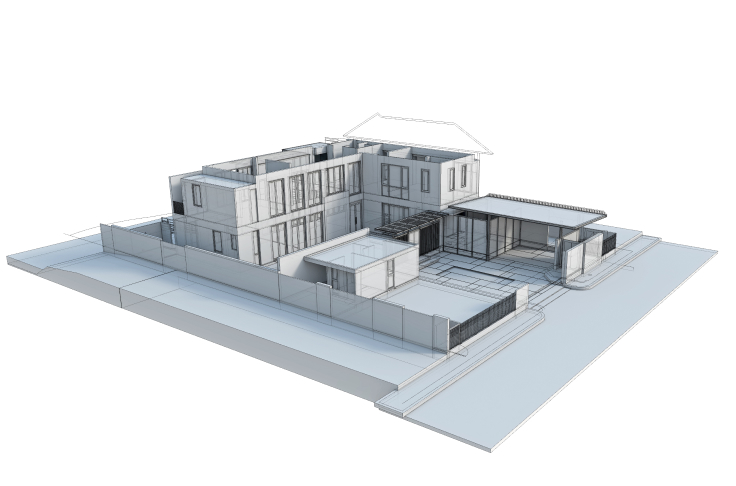
Transformative Solutions
Custom Revit Family Creation Services Based on Project Requirements
Specialized BIM content development services designed to create accurate, parametric, and manufacturer-ready Revit families for design professionals.
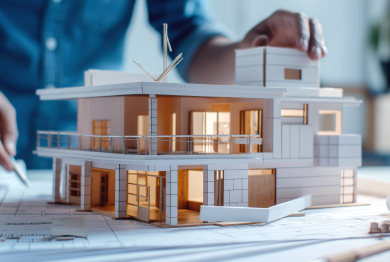
Family Creation for Building Structures
We provide an accurate Revit Family Creation in terms of beams, trusses, joints, and everything else that is related to structural elements, created as it is required by the architectural specifications, general master plans. The combination of these models in Architectural BIM Services would enable the construction teams to streamline materials, minimize costs, and stay perfectly aligned to the blueprints of the projects through the use of quality Revit Content Creation processes.
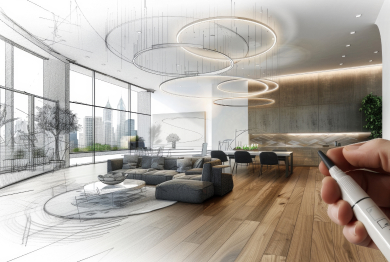
Family Creation for Architectural Design
Our professionals provide complex architectural Revit Family Creation of the walls, floors, windows, doors, furniture, and other internal objects. All the components are real-world aesthetics and performance-based, and thus fit perfectly with the Architectural BIM Services and aid design teams with specific and ready-to-use Revit Content Creation assets.
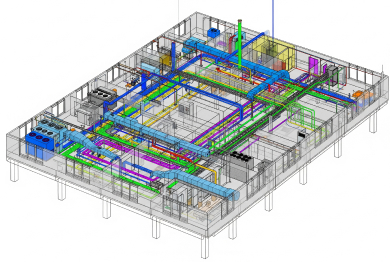
Family Creation for MEP Systems
Our MEP Families are developed fully in Revit, which include HVAC units, lights, ducts, panels, and switchboards. These parametric models are easy to use, effective in updating design very fast, and coordinate interdisciplinary level within larger Architectural BIM Services based on data-rich Revit Content Creation standard.
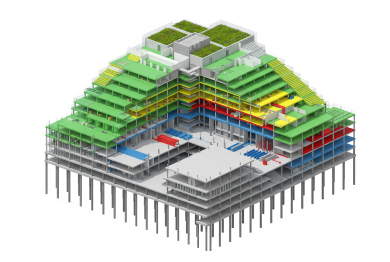
Family Creation for Critical Systems
Our team designs specialized mechanical parts like pumps, boilers, equipment, and storage tanks with precise dimensions, material rules, as well as performance characteristics. These are the most precise families that reinforce the reliability of the system and seamlessly integrate into the Architectural BIM Services pipelines by means of well-developed Revit Content Creation.
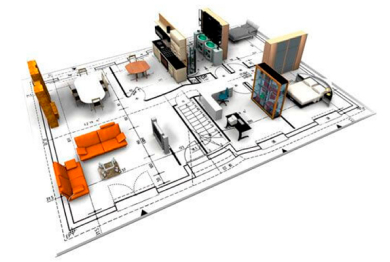
Custom Revit Family Creation
In the case of non-standard or special components, we offer customized Revit Family Creation in entirely customized Revit in terms of parametric inputs, shop drawings, assembly details, and dynamic scripts. The bespoke families contribute to the flexibility and platform incompatibility, which improves the overall quality of the Architectural BIM Services by creating custom Revit Content.
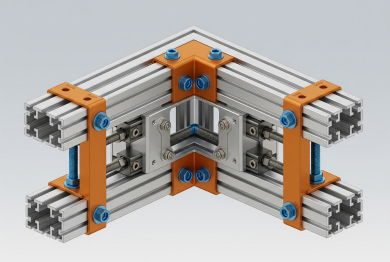
Equipment & Product Revit Family Function
We construct equipment and product-specific Revit Families of fully geometry equipment and products, complete with metadata, datasheets, model numbers, and performance information. Such intelligent BIM objects enhance the quality of the specification and efficient workflows in the design, supporting the Architectural BIM Services excellence based on the comprehensive, high-quality Revit Content Creation.
Recent Projects
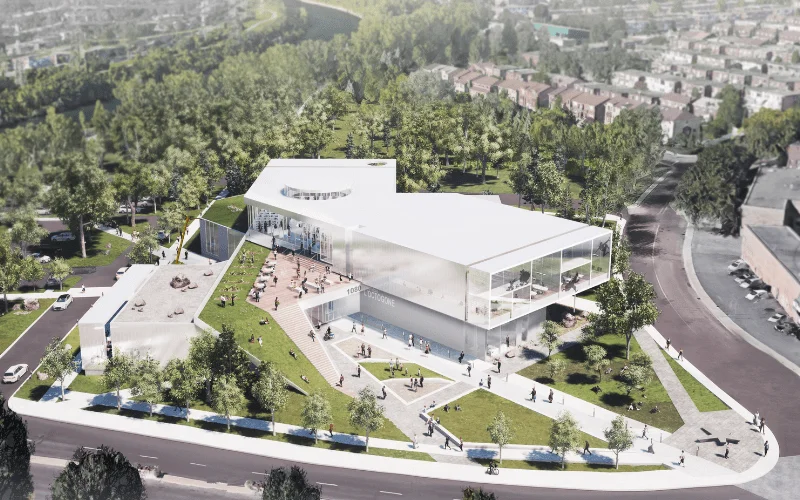
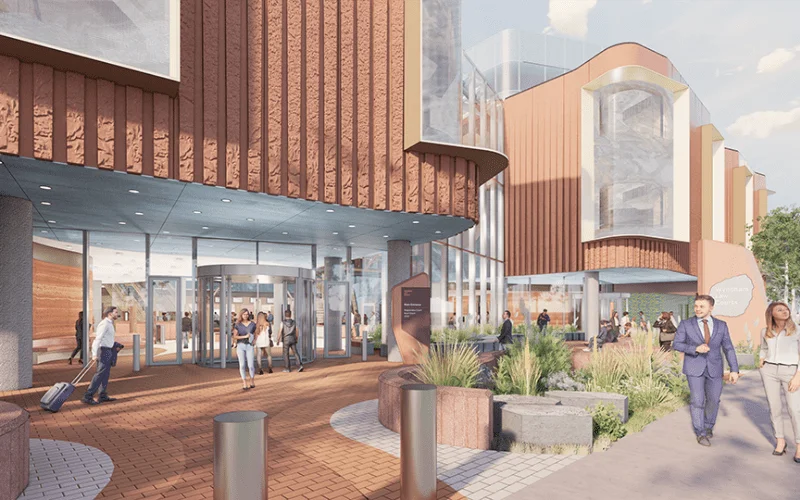
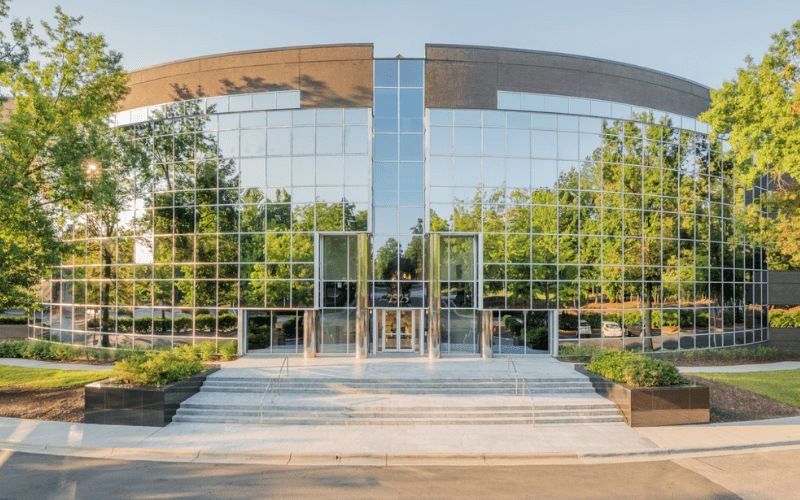
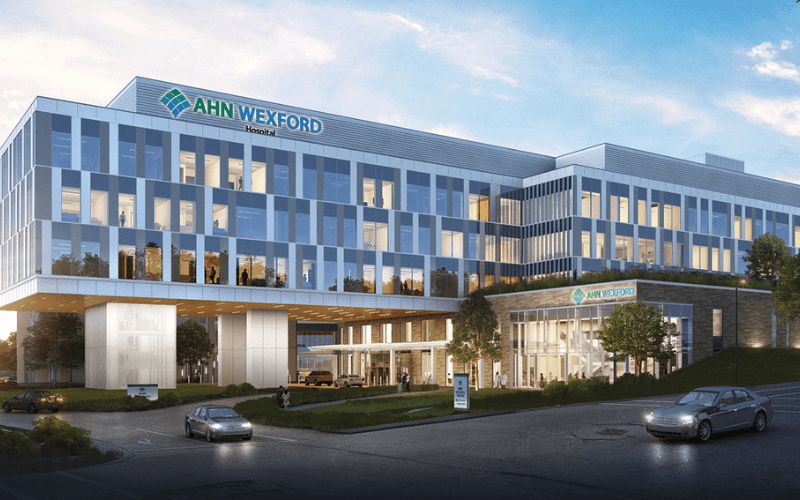
Delivering BIM Solutions Across 2,500+ Global Projects
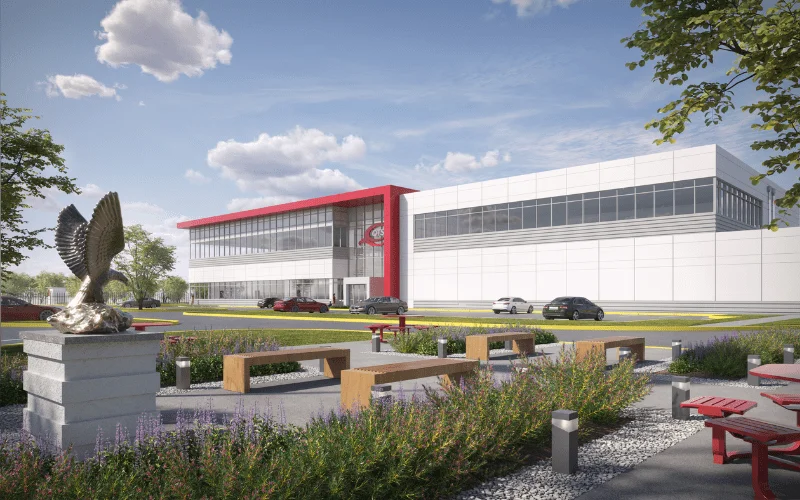
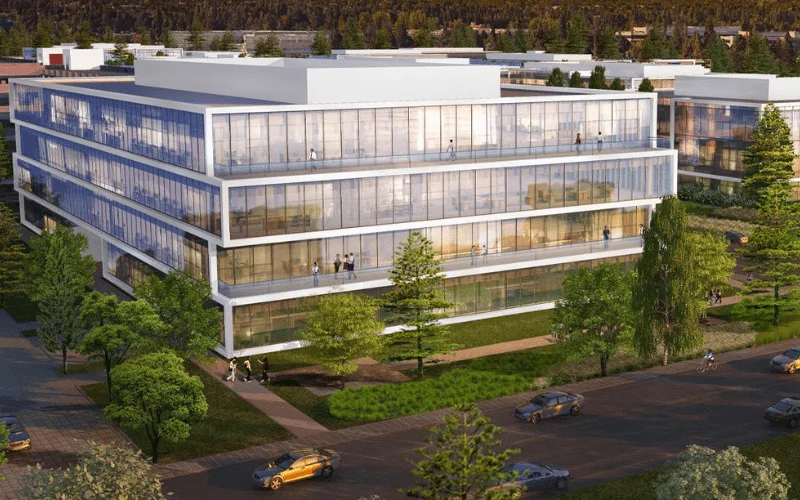
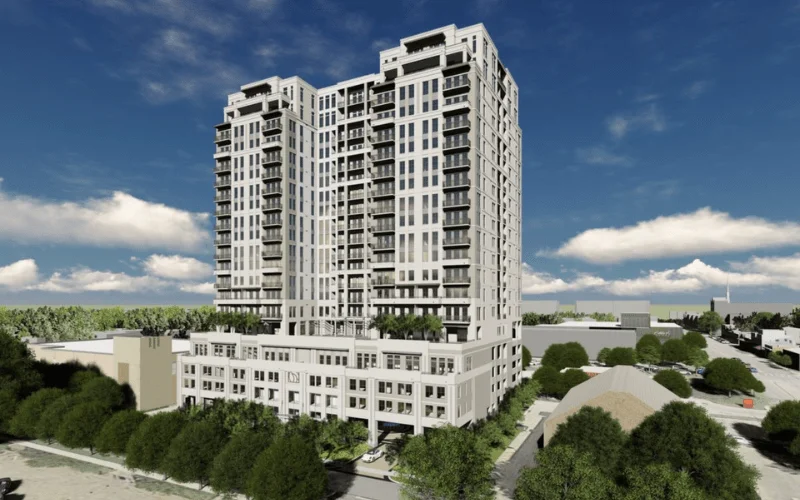
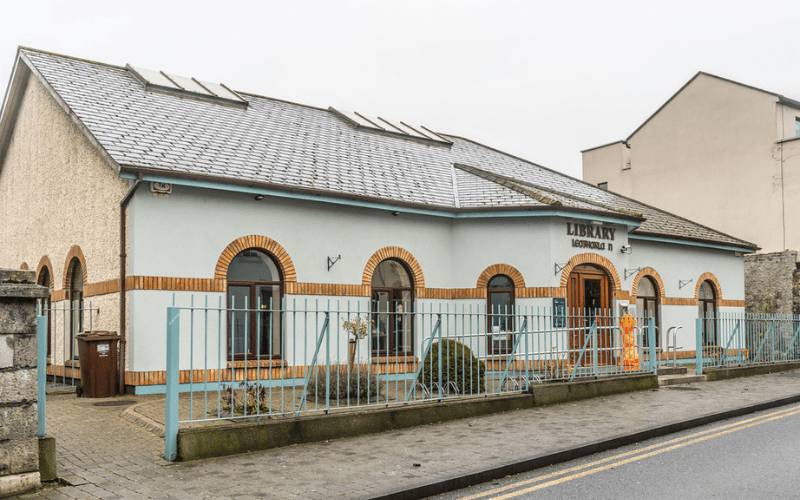
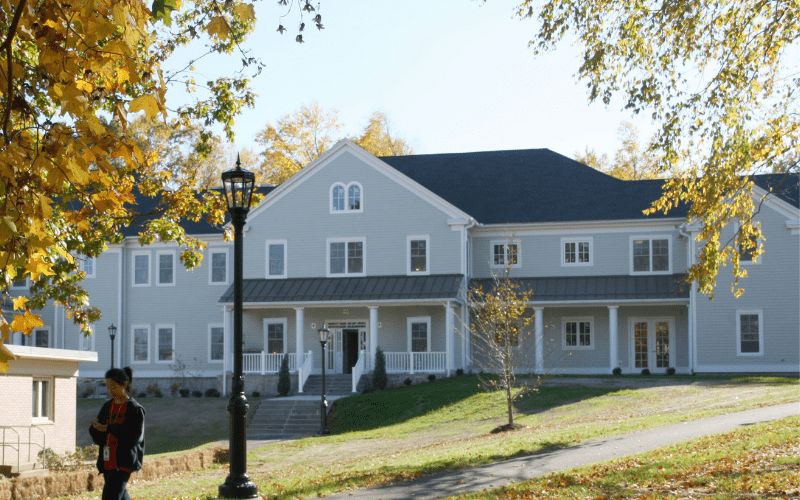
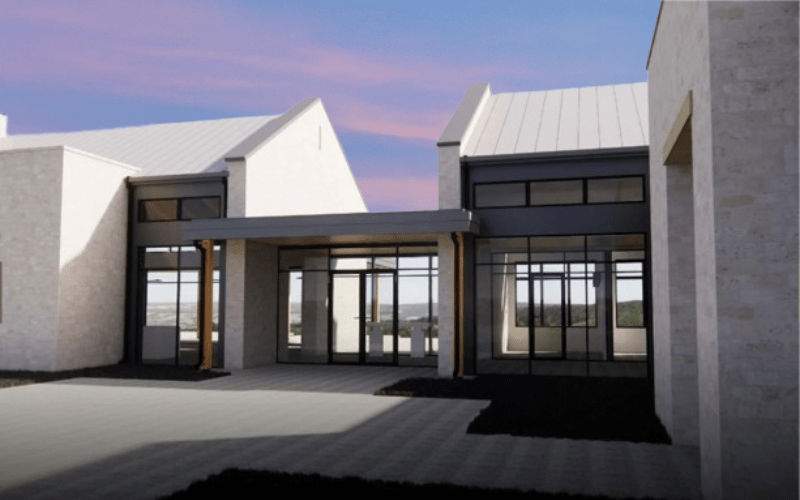
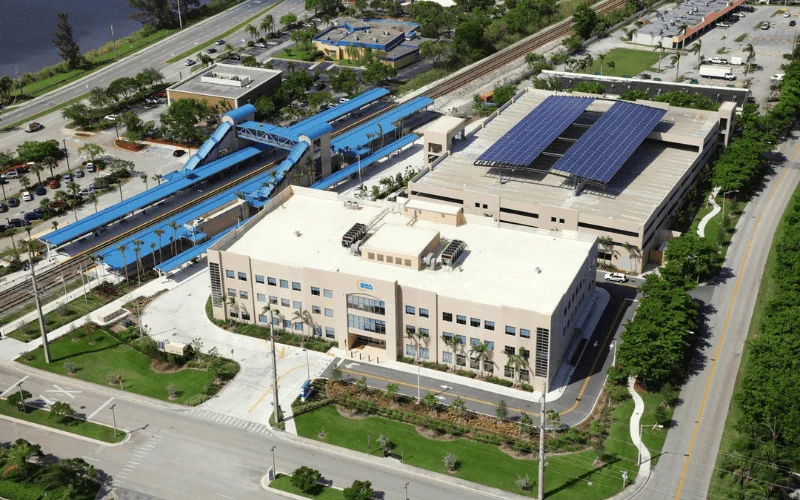
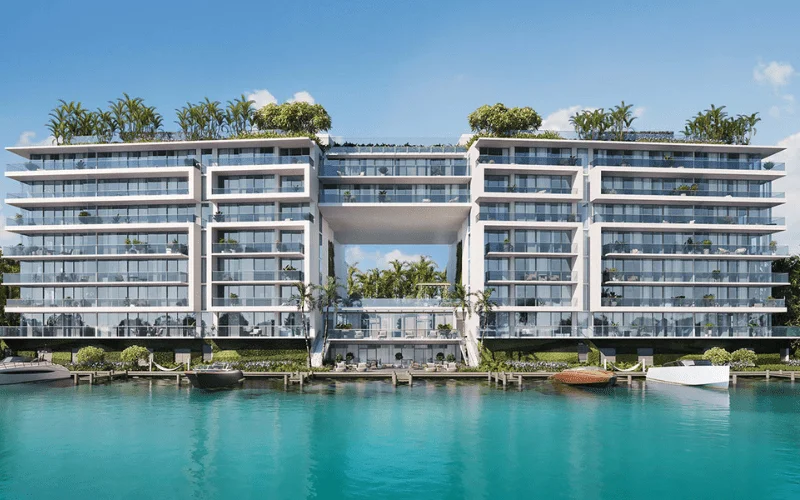
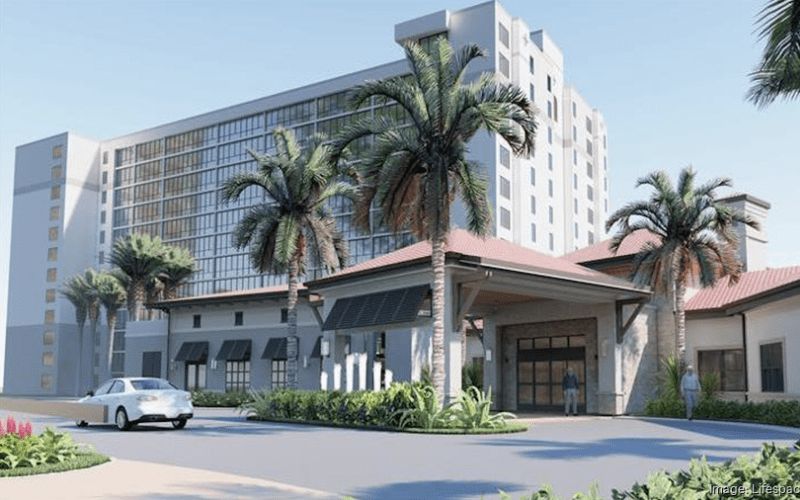
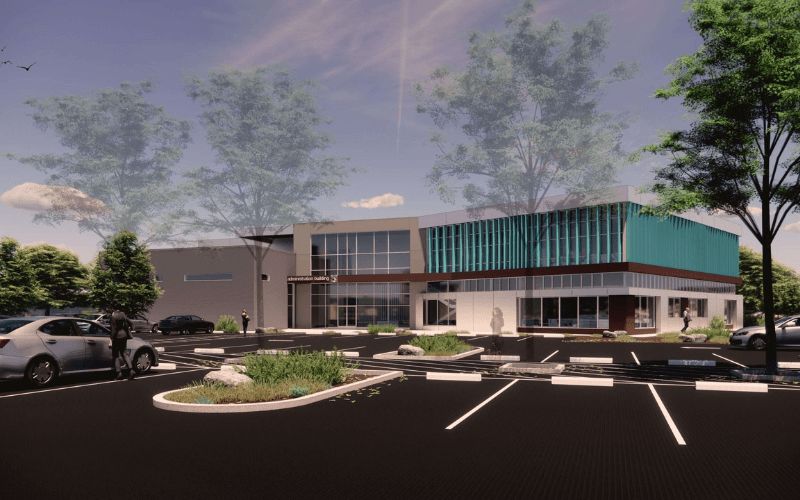
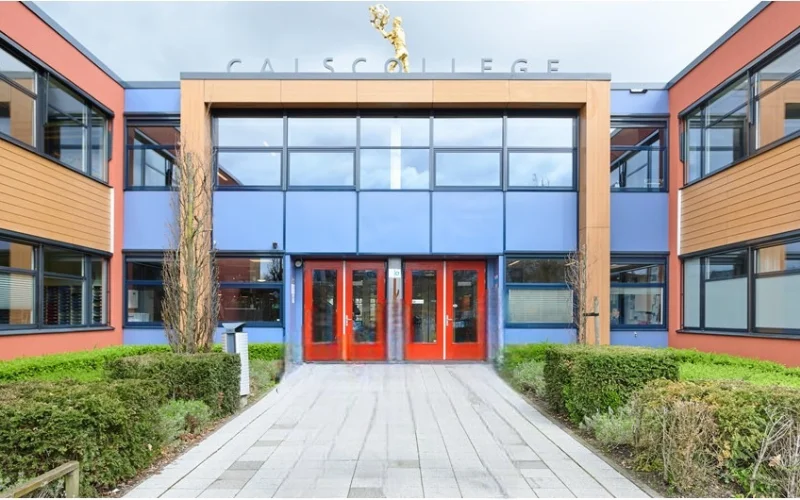
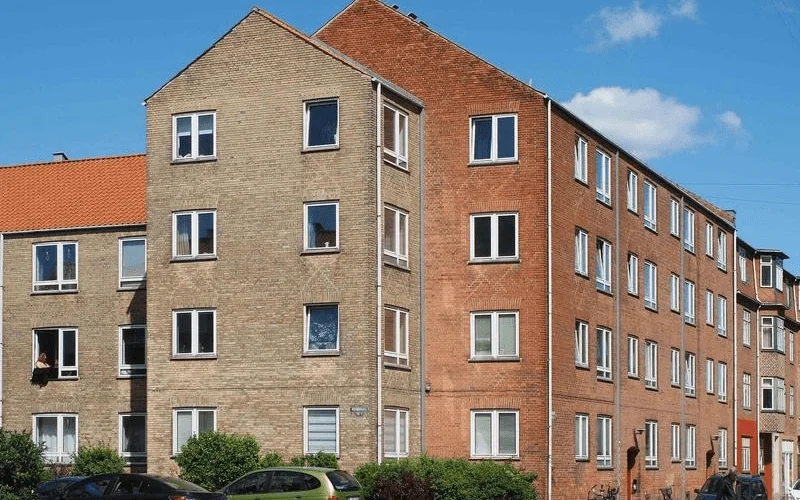
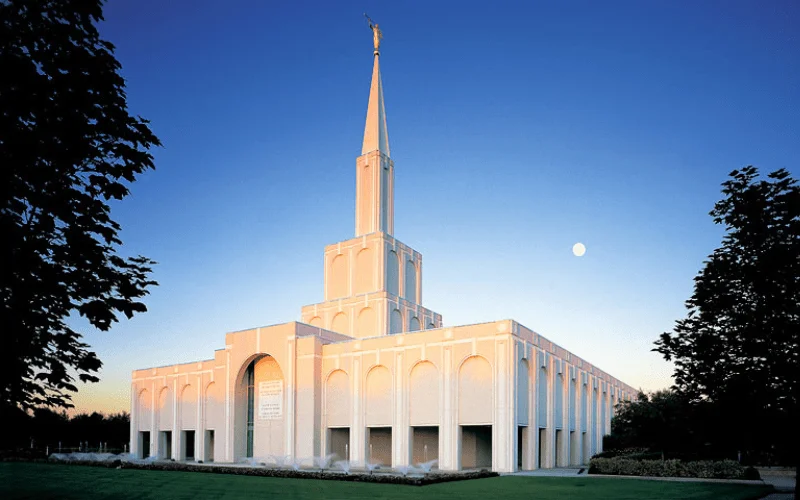
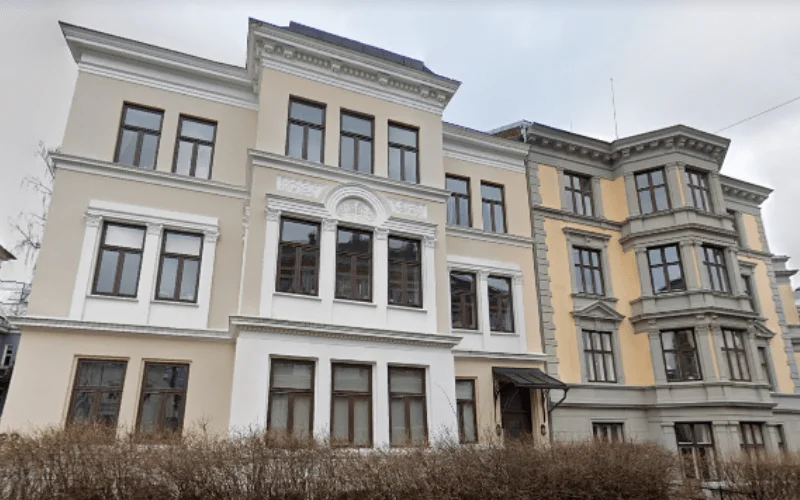
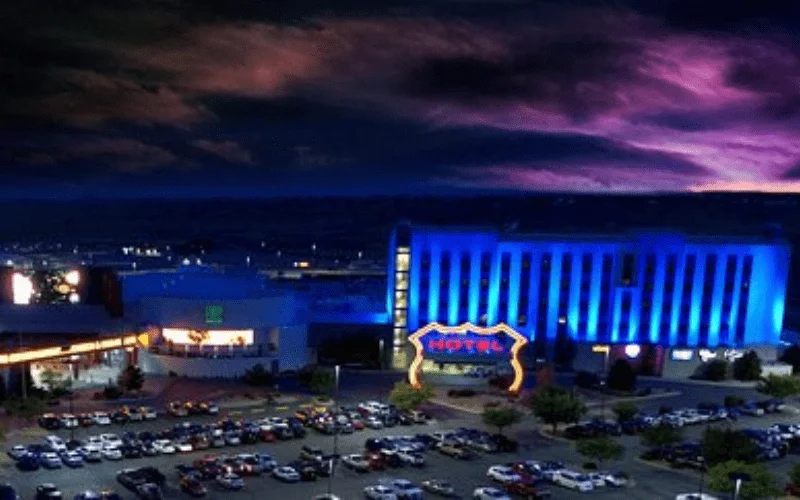
With more than 12+ years of industry experience, we have successfully delivered 2,500+ BIM modeling and coordination projects across the United States and global markets. Our team supports architects, contractors, and manufacturers with accurate BIM models, intelligent Revit families, and coordinated digital design workflows that meet strict industry standards.






Unlock advantages
Benefits of Our Revit Family Creation Services
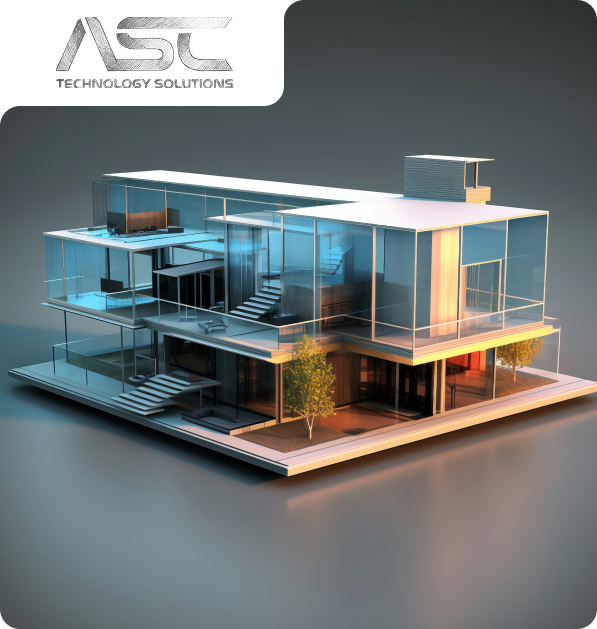
- Our Revit Family Creation Services simplify design workflows by delivering accurate BIM-ready components that reduce manual modeling effort and improve model consistency across projects.
- We enhance design quality by developing parametric Revit families with structured data, realistic geometry, and standardized parameters that support better project decision-making throughout the building lifecycle.
- Our BIM-ready content improves collaboration between architects, engineers, and contractors by providing reliable digital components that integrate seamlessly within coordinated BIM environments.
- ASC also supports project planning and cost estimation through data-rich BIM families, which improve scheduling, facility management, and long-term asset tracking.
- We create Revit families across multiple Levels of Detail (LOD 100–500), ensuring flexibility for conceptual design, coordination, fabrication, and as-built documentation requirements.
- Reusable BIM-ready families reduce future modeling costs and support standardized digital libraries that improve efficiency across multiple design projects.
How We Work
Our Revit Family Creation Process
Our structured workflow ensures every Revit family is developed with precision, optimized performance, and BIM compatibility to support efficient design collaboration.
01
Concept & Consultation
The first step we take towards your project is to know about your objectives and the technical challenges of the project. Our professionals work hand-in-hand with the stakeholders to establish the scope, expectations, and a solid ground for efficient and quality delivery of the BIM.
02
Design & Planning
Our team is able to produce coordinated BIM models that are clear and precise, reflecting design intent. We also plan and validate to ensure there is an optimized workflow, fewer conflicts, and improved coordination of all project disciplines.
03
Development & Execution
We have approved designs that we convert to fine BIM models, ready to construct. Our execution phase stresses compliance and accuracy which the effective coordination is achieved, and the rework is reduced, enabling projects to proceed smoothly.
04
Final Delivery & Handover
We provide complete validated BIM models and documents depending on the project requirements. We have a well-organized handover approach that guarantees a seamless transition operation, and proper data accessibility with long-term functionality to the construction, operation, and facility management teams.



- 2k+
Align with Businesses that Choose Quality
Model insights
Revit Family Creation Samples
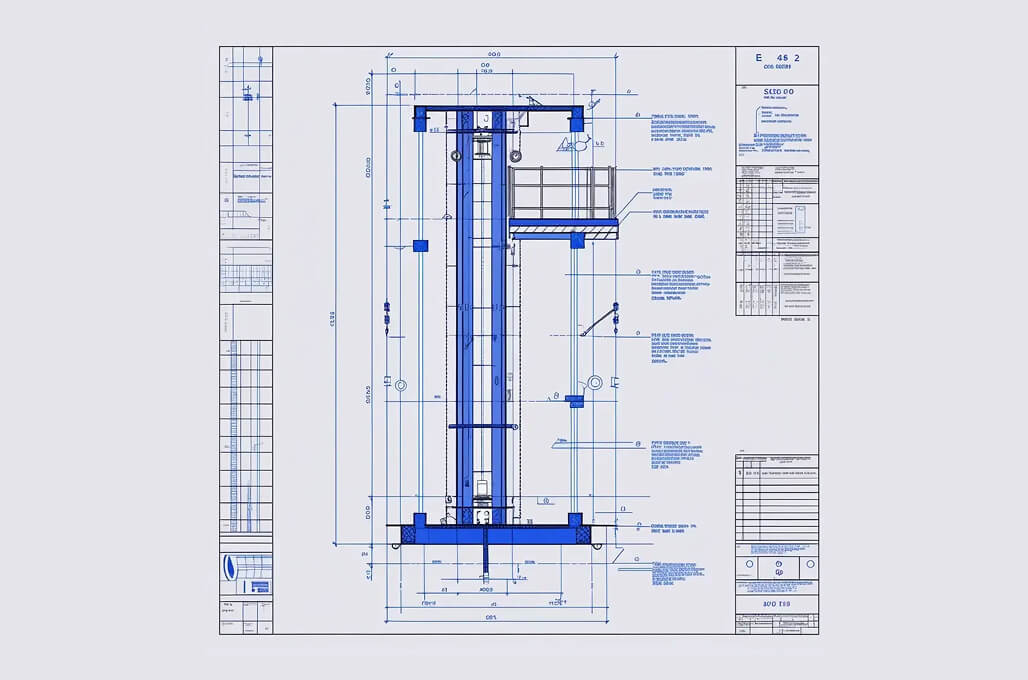
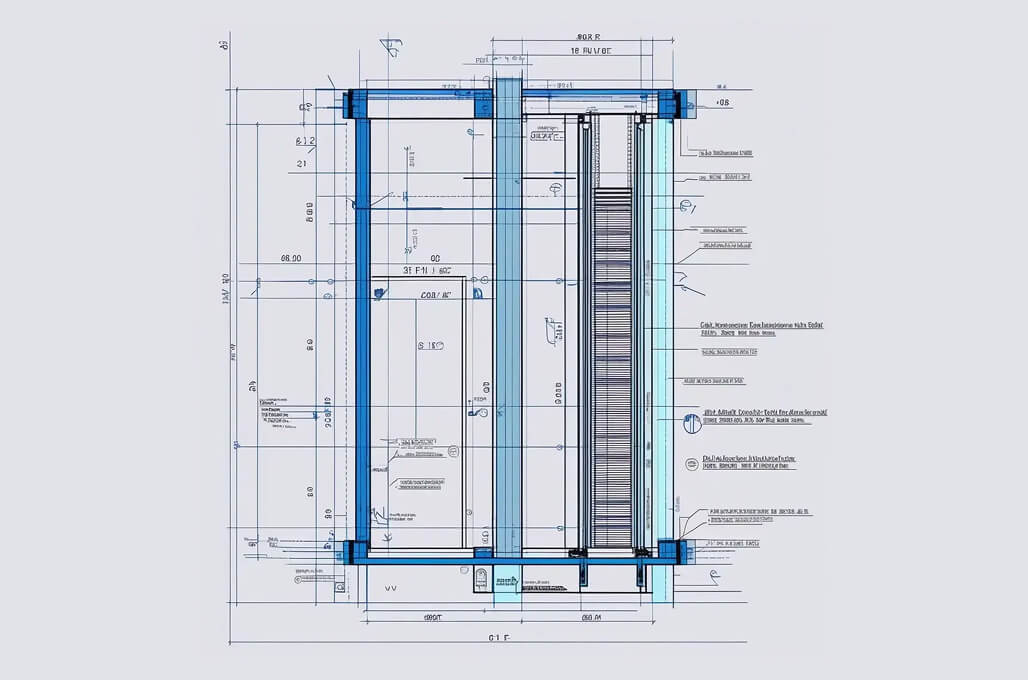
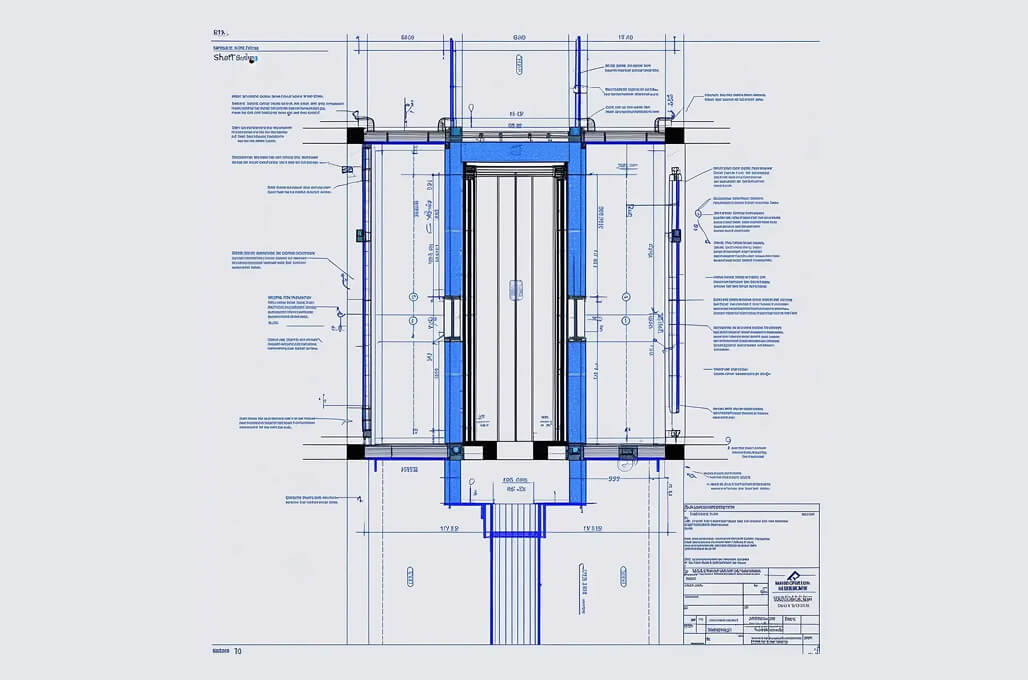
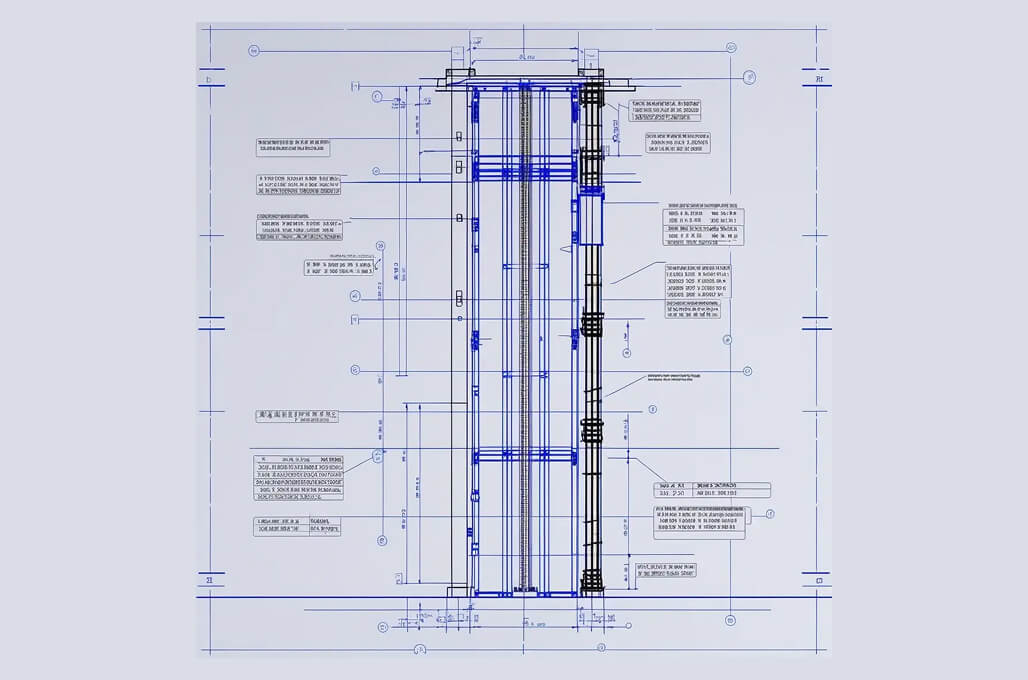
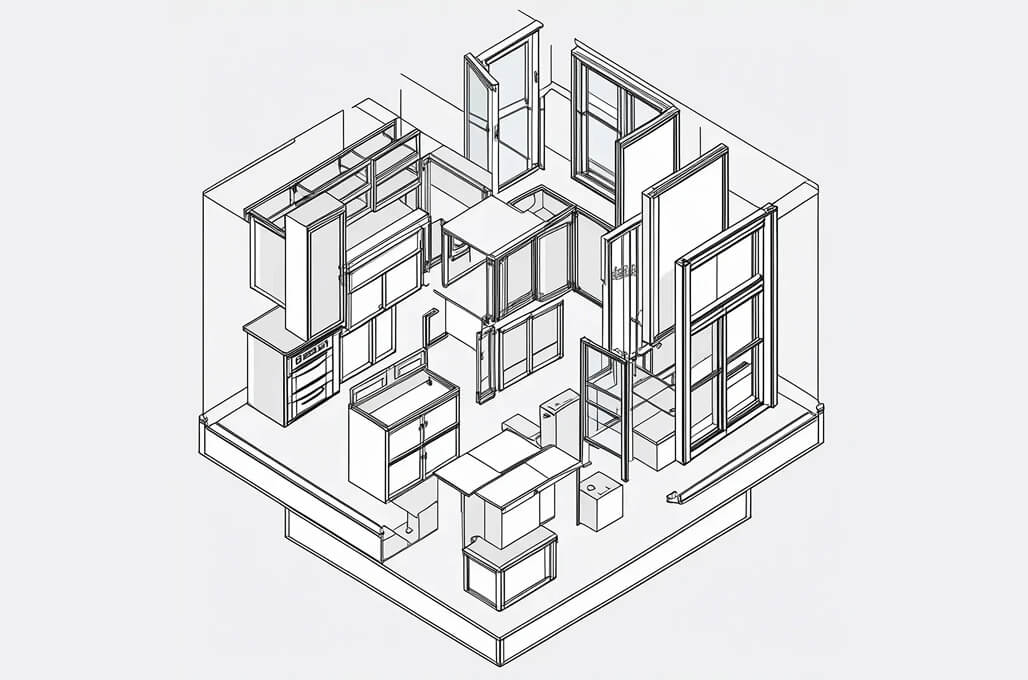
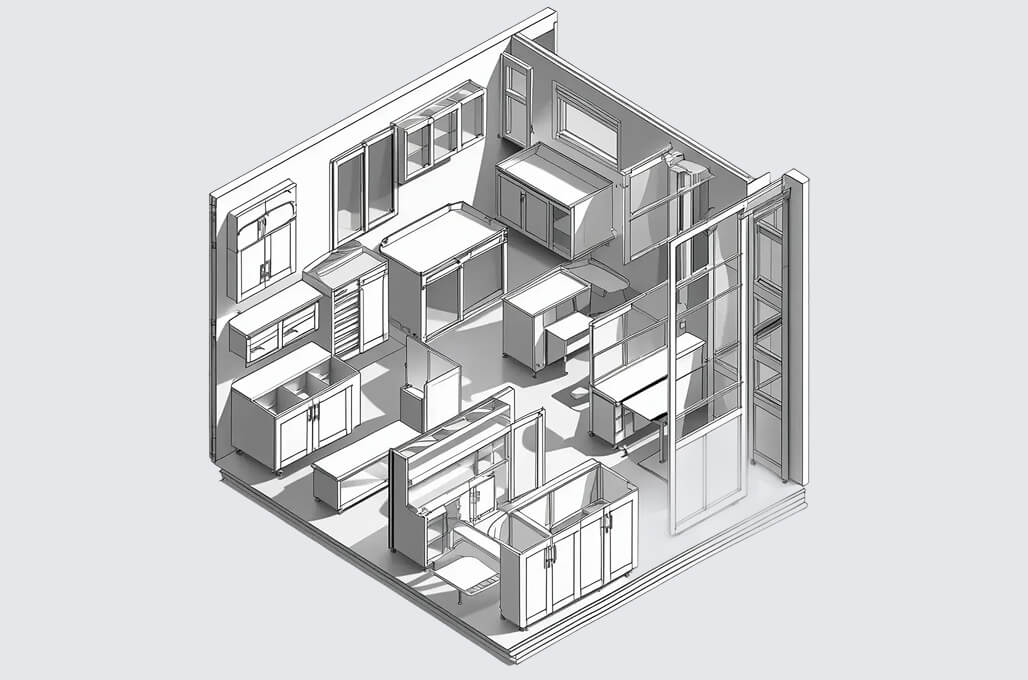
Explore our Revit family samples to understand how we transform manufacturer product specifications into high-quality BIM-ready components for architects and design teams.
Your Guide
FAQs About Revit Family Creation Services
Revit Family Creation Services involve developing parametric BIM components for use in Autodesk Revit projects. At ASC Technology Solutions, we create custom Revit families that represent real-world building products, including lighting fixtures, HVAC equipment, furniture, doors, windows, and façade elements. Our Revit families are developed with accurate geometry, flexible parameters, and structured metadata to ensure seamless integration into BIM workflows and architectural models.
If you need custom BIM-ready components for your project or product library, contact our team today to discuss your Revit Family Creation requirements.
Revit Family Creation focuses on developing individual parametric BIM components for use within Revit models. At the same time, Revit Content Creation involves building complete digital product libraries that include multiple Revit families, product metadata, technical specifications, and documentation. We provide both Revit Family Creation Services and Revit Content Creation Services to help manufacturers and design teams integrate BIM-ready products into architectural and engineering workflows.
Our team develops a wide range of parametric Revit families used in architecture and MEP projects, including:
- Lighting fixtures
- HVAC equipment and mechanical components
- Furniture and interior elements
- Doors and windows
- Plumbing fixtures
- Façade systems and building materials
These BIM-ready families help architects and engineers accurately represent real-world products within coordinated BIM models.
To develop a Revit family, our team typically requires product specifications such as:
- CAD drawings or DWG files
- Product dimensions and technical specifications
- Manufacturer product sheets or PDFs
- Reference images or 3D models
- Material information and performance data
Using this information, we create optimized Revit families with parametric controls and BIM-compatible metadata.
Yes. Our Revit Content Creation Services include converting CAD drawings, SolidWorks models, PDFs, and other design formats into parametric Revit families. We rebuild or optimize geometry to ensure the final Revit family performs efficiently within BIM environments while maintaining accurate product representation.
We create Revit families that support multiple Levels of Detail (LOD) depending on project requirements. These typically range from LOD 100 for conceptual design to LOD 500 for as-built documentation. Our parametric families can be optimized for architectural visualization, design coordination, or fabrication workflows.
Well-developed Revit families improve BIM model performance and coordination by ensuring components contain the right level of geometry and structured data. Optimized families reduce file size, improve model loading speed, and help project teams manage building components more efficiently within Revit environments.
The timeline for Revit Family Creation depends on the product’s complexity and the required parameters. Simple components can be completed within a few days, while complex parametric families or full BIM product libraries may require additional development time. We follow structured workflows to deliver high-quality Revit families with reliable turnaround times for architects, engineers, and manufacturers.